

Updated Title II requirements
In 2024, the U.S. Department of Justice (DOJ) updated Title II of the Americans with Disabilities Act (ADA) to require all public universities to meet Web Content Accessibility Guidelines Version 2.1 Level AA (WCAG 2.1 AA) by April 26, 2027. This applies to all websites, mobile apps, and the digital materials we share with students, employees, and our communities.
Examples of meeting WCAG 2.1 AA include, but are not limited to:
- Adding alternative text (alt text) to images in a social media post so that those who can’t see the image can still understand its message.
- Ensuring videos have accurate closed captions so that those who can’t hear the audio can still understand the video content.
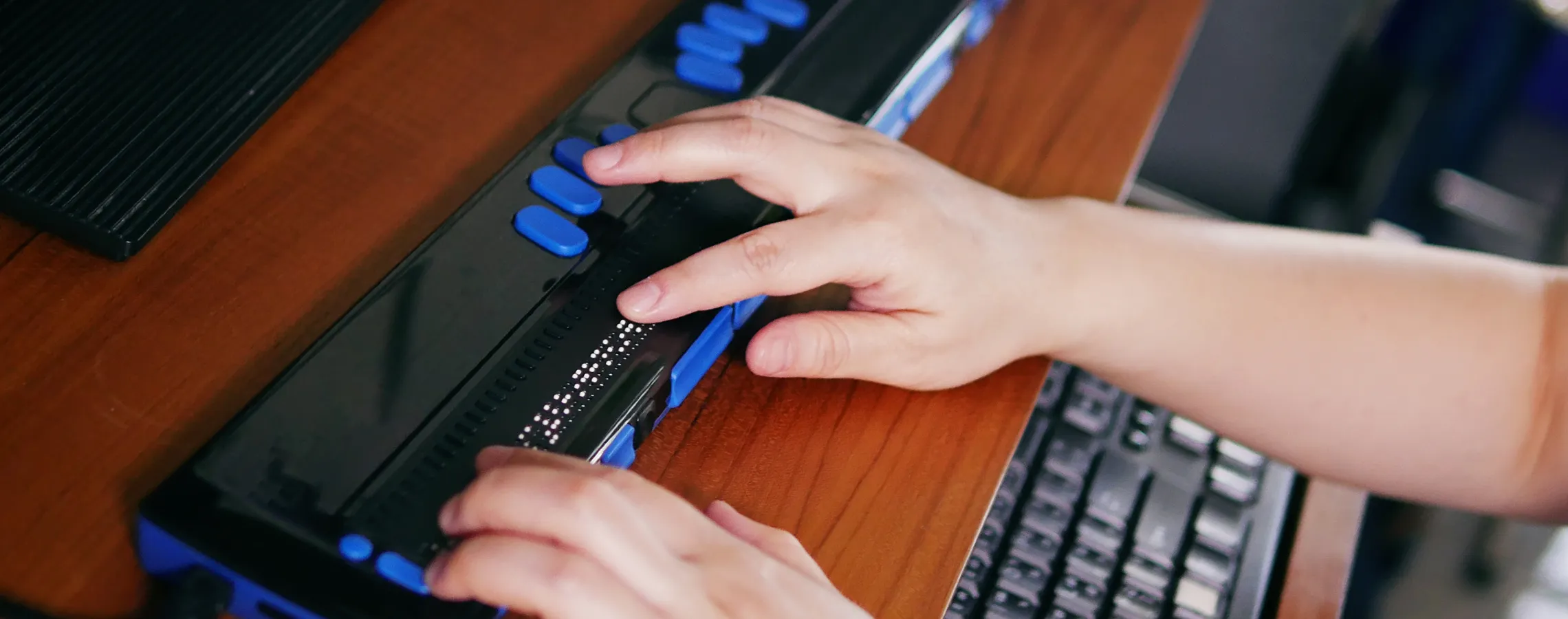
- Replacing old, scanned PDF readings in a course with an accessible e-book version so that students who rely on assistive technology, like a screen reader, can complete the homework assignment.
Important reminders
WCAG standards
Our website needs to be accessible to people with both visible and invisible disabilities, like blindness, deafness, limited mobility, and neurodivergence. It’s our job to ensure that all our content (text, images, videos, etc.) is clear and easy to understand at a 7th-grade reading level. Website visitors may be using a screen reader, a keyboard without a mouse, or other assistive technology, and may need to enable captions on videos, change the font size, or adjust the color contrast.
Perceivable
Information and user interface components must be presentable to users in ways they can perceive, not invisible to all of their senses.
Operable
User interface components and navigation must be operable. End users must be able to interact with all webpage elements.
Understandable
Information and user interface operation must be understandable. Web content cannot be beyond the understanding of end users.
Robust
Content must be robust enough to be compatible with and interpreted reliably by a wide variety of user agents, including evolving assistive technologies.

Resources for USM faculty and staff
Achieving our digital accessibility goals requires a shared, sustained effort from our university community. Everyone who creates, shares, or posts content on websites, social media, in courses, or in digital communications must know how to make those materials accessible.